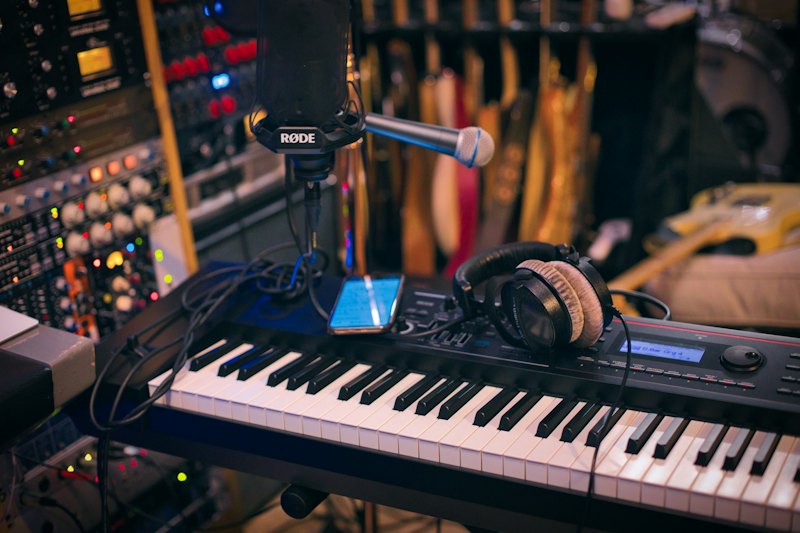
"Do I need a mixer or an audio interface?" is one of the most common questions we get from musicians, content creators and church sound teams walking into our Luthuli Avenue showroom. Both devices route audio, both have inputs for microphones and instruments, and both look similar with knobs and faders — but they're built for very different jobs. Buying the wrong one wastes money and leaves you frustrated. Here's how to tell them apart.
What a Mixer Actually Does
A mixer (or mixing console) combines multiple audio sources — microphones, instruments, a laptop, a DJ controller — and blends them into a single output that feeds your speakers or PA system. Its job is live sound reinforcement: getting sound from the stage to the audience's ears in real time. Mixers excel at handling many simultaneous live inputs quickly with physical faders you can grab during a performance.
What an Audio Interface Actually Does
An audio interface converts analog audio (a microphone or guitar signal) into a digital signal your computer can record, and converts your computer's digital audio back into sound you can hear through studio monitors or headphones. Its job is recording and production — getting sound into your DAW (like FL Studio, Logic, or Ableton) with the cleanest, lowest-latency signal possible.
Side-by-Side Comparison
| Factor | Mixer | Audio Interface |
|---|---|---|
| Primary use | Live sound, PA systems | Studio recording |
| Output | Speakers / PA | Computer (USB/Thunderbolt) |
| Best for | Churches, weddings, bands | Podcasters, producers, vocalists |
| Latency | None (analog) | Very low (digital, optimized) |
| Portability | Bulkier | Compact, desk-friendly |
When You Need a Mixer
- Running sound for a church service, wedding, or live band
- Multiple microphones and instruments need to be blended live for an audience
- You need physical faders to adjust volume in real time during a performance
- DJ events where you're blending music with MC announcements
When You Need an Audio Interface
- Recording vocals, podcasts, or voiceovers on your laptop
- Producing beats or music in a DAW like FL Studio or Ableton Live
- Streaming or YouTube content creation with clean audio
- Home studio setups where portability and clean digital sound matter most
Can You Use Both Together?
Yes — many serious home studios and churches in Nairobi use a small mixer feeding into an audio interface. This setup lets you blend multiple live microphones with the mixer's physical controls, then send a single clean stereo signal into your computer through the interface for recording or streaming. It's the best of both worlds if your budget allows for it, but for most beginners, start with whichever matches your primary use case first.
Our Recommendation for Kenyan Buyers
If you're a church or event organizer who needs live sound for an audience — get a mixer. If you're a musician, podcaster or producer recording at home — get an audio interface. If you genuinely need both, start with a compact 2-channel interface (most affordable) and add a mixer later once your live sound needs grow. Unsure which fits your specific setup? Visit our Luthuli Avenue showroom or message us on WhatsApp — we'll walk you through it based on exactly what you're trying to do.